CSS Snippet:
Neumorphic Toggle Switch
This CSS snippet enhances the native Wix toggle switch with a soft neumorphic style using subtle shadows, rounded surfaces, and depth.
It keeps the built-in Wix functionality intact while giving the toggle a more tactile, modern UI feel.
Difficulty:
Hard
Live preview
Neumorphism
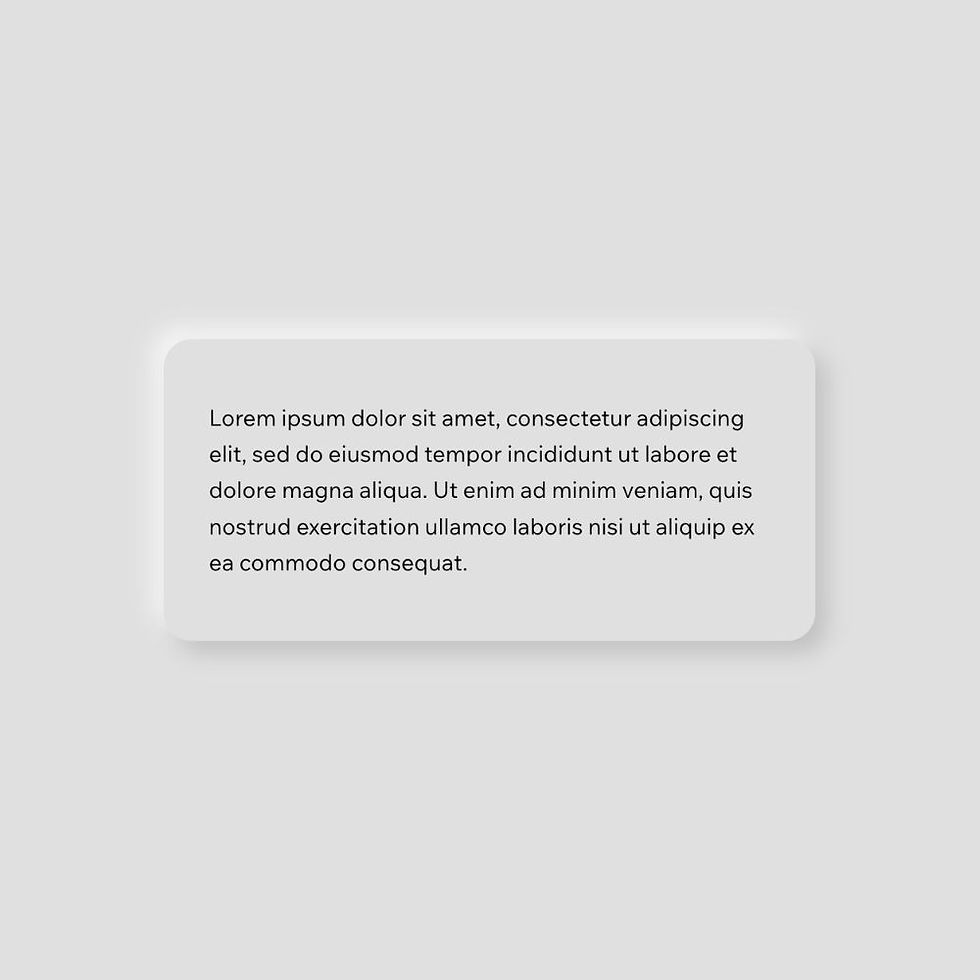
Lorem ipsum dolor sit amet, consectetur adipiscing elit, sed do eiusmod tempor incididunt ut labore et dolore magna aliqua. Ut enim ad minim veniam, quis nostrud exercitation ullamco laboris nisi ut aliquip ex ea commodo consequat.
Use case
Use this toggle style when you want a cleaner, more premium alternative to the default Wix switch.
It works particularly well in settings panels, forms, and interfaces that use soft UI or neumorphic design styles.
Where to apply it
Apply this class to a native Wix Switch element.
Common examples include:
• Settings panels
• Feature toggles
• Form controls
• Preference switches
This style works best when used alongside other neumorphic elements for a consistent design system.
Notes & Setup
Add a native Wix Switch element to your page.
Add the class: neumorphic-toggle
Paste the CSS into your site's Custom CSS section.
Before applying the CSS, open the Design panel and manually adjust all toggle states.
Change the background of the section or container to the same colour as the switch, or the effect won't work. In our code, we use #e0e0e0.
For Switch ON:
• Regular
• Hover
• Focus
• Disabled
For Switch OFF:
• Regular
• Hover
For each state:
• Remove all borders
• Set icon colour to a neutral or minimal value
• Colours are irrelevant as we override them with CSS
Wix does not provide a "set once for all states" option, so this must be done individually.
For best results, place the toggle on a background of #e0e0e0 or inside a neumorphic container.
Customisation
Background:
This effect relies on consistent colour and lighting. The background should match #e0e0e0 for the illusion to work properly.
Shadows:
The depth is created using paired light and dark shadows. Increasing the values will create a stronger effect, while reducing them creates a softer look.
Consistency:
This toggle is designed to match other neumorphic elements such as buttons and containers. Using them together creates a cohesive UI system.
Scope:
This styling is applied using a custom class, so it will not affect other toggle switches on your site.
Licensing
This CSS snippet is free to use in personal and commercial Wix Studio projects. You’re welcome to copy, adapt, and use it on client or business websites.
Credit is not required, but if you found it useful, we’d really appreciate a small link back to Wix Doctor, ideally on your site’s footer, about page, credits page or wherever feels appropriate.
Linking back helps more Wix users discover the library and supports the continued creation of free snippets, tutorials, and community resources.
CSS Code
css
.neumorphic-toggle .switch__track {
background: #e0e0e0;
border-radius: 999px;
box-shadow:
8px 8px 16px #c5c5c5,
-8px -8px 16px #fbfbfb;
transition: all 0.3s ease;
}
.neumorphic-toggle .switch__handle {
background: #e0e0e0;
border-radius: 50%;
box-shadow:
6px 6px 12px #c5c5c5,
-6px -6px 12px #fbfbfb;
transition: all 0.3s ease;
}
.neumorphic-toggle[data-checked="true"] .switch__track {
box-shadow:
inset 6px 6px 12px #c5c5c5,
inset -6px -6px 12px #fbfbfb;
}
.neumorphic-toggle[data-checked="true"] .switch__handle {
box-shadow:
4px 4px 8px #c5c5c5,
-4px -4px 8px #fbfbfb;
}