CSS Snippet:
Gold Text
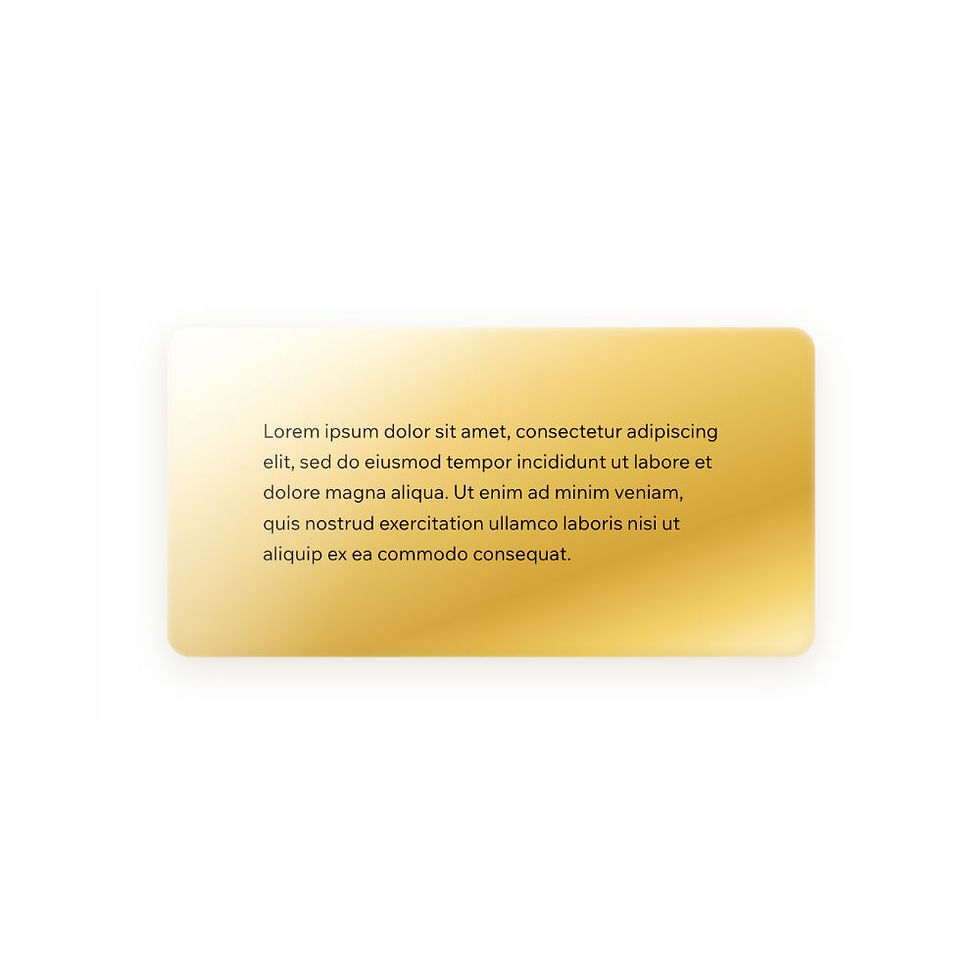
This CSS snippet creates a polished gold text effect using layered gradients and soft shadows to give lettering a warm metallic finish.
The result feels elegant and decorative without becoming too heavy, making it ideal for standout headings and refined visual accents.
Difficulty:
Intermediate
Live preview
Gold
Lorem ipsum dolor sit amet, consectetur adipiscing elit, sed do eiusmod tempor incididunt ut labore et dolore magna aliqua. Ut enim ad minim veniam, quis nostrud exercitation ullamco laboris nisi ut aliquip ex ea commodo consequat.
Use case
Use this text style when you want a heading to feel premium, glossy, and visually elevated.
It works especially well for luxury brands, fashion and beauty sites, editorial layouts, and any design where a metallic gold accent helps create a more polished look.
Where to apply it
Apply this class to heading text only.
Common examples include:
• Hero headings
• Section titles
• Premium product names
• Decorative brand-style text
This effect works best on larger text where the metallic highlights can be clearly seen.
Notes & Setup
Select your heading text in Wix Studio.
Add the class: gold-text
Paste the CSS into your site's Custom CSS section.
Use the Wix Design panel to control the font family, size, weight, and alignment. This snippet only applies the metallic gold effect.
Customisation
Highlights:
The lighter colour stops create the metallic shine effect. For a softer finish, reduce the contrast between the brightest highlights and the darker gold tones.
Depth:
The effect uses soft text shadows rather than heavy 3D stacking, which keeps it elegant and more versatile across modern layouts.
Best Use:
This style works best on bold headings and clean backgrounds where the metallic finish has room to stand out.
Tip:
Avoid applying this effect to long paragraphs or very small text, as the detail is best appreciated at larger sizes.
Licensing
This CSS snippet is free to use in personal and commercial Wix Studio projects. You’re welcome to copy, adapt, and use it on client or business websites.
Credit is not required, but if you found it useful, we’d really appreciate a small link back to Wix Doctor, ideally on your site’s footer, about page, credits page or wherever feels appropriate.
Linking back helps more Wix users discover the library and supports the continued creation of free snippets, tutorials, and community resources.
CSS Code
css
.gold-text,
.gold-text * {
display: inline-block;
background: linear-gradient(
145deg,
#d4a437 0%,
#f2cf66 10%,
#a67c1c 22%,
#f8e7b5 24%,
#a67c1c 28%,
#f2cf66 48%,
#f8e7b5 50%,
#f2cf66 52%,
#d4a437 82%,
#f8e7b5 84%,
#a67c1c 86%,
#a67c1c 100%
);
-webkit-background-clip: text;
background-clip: text;
-webkit-text-fill-color: transparent;
-webkit-text-stroke: 0 transparent;
text-shadow:
0 1px 0 rgba(255,255,220,0.35),
0 3px 8px rgba(160, 120, 20, 0.12),
0 8px 18px rgba(80, 60, 10, 0.06);
}