CSS Snippet:
Glassmorphism Button
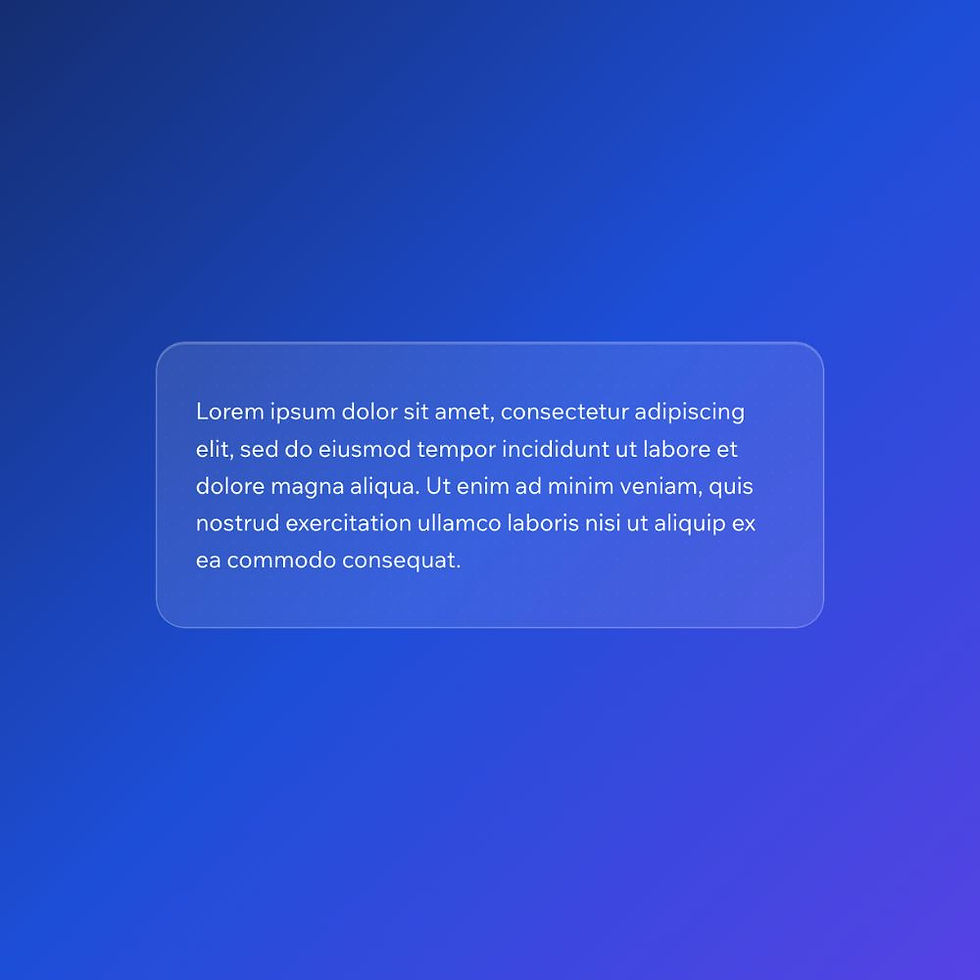
This CSS snippet creates a glass-style button using transparency and backdrop blur. The result is a soft, frosted effect that blends with the background while still remaining visible.
It’s a popular modern UI style used in dashboards, landing pages, and app interfaces.
Difficulty:
Easy
Live preview
Glassmorphism
Lorem ipsum dolor sit amet, consectetur adipiscing elit, sed do eiusmod tempor incididunt ut labore et dolore magna aliqua. Ut enim ad minim veniam, quis nostrud exercitation ullamco laboris nisi ut aliquip ex ea commodo consequat.
Use case
Use this effect when you want a lightweight, modern button that feels integrated into the background rather than sitting on top of it.
It works particularly well for hero sections, image overlays, and colourful layouts where a solid button would feel too heavy.
Where to apply it
Apply this class to buttons placed on top of backgrounds with visual variation.
Common examples include:
• Gradient backgrounds
• Image or video sections
• Hero banners
• App-style interfaces
Avoid using this on flat colours like pure white or black, as the effect relies on background blur to be visible.
Notes & Setup
Select your button in Wix Studio.
Add the class: glass-button
Paste the CSS into your site's Custom CSS section.
Adjust the transparency and blur values to suit your design.
This effect works best when placed on top of gradients, images, or coloured backgrounds, so the blur is visible.
Licensing
This CSS snippet is free to use in personal and commercial Wix Studio projects. You’re welcome to copy, adapt, and use it on client or business websites.
Credit is not required, but if you found it useful, we’d really appreciate a small link back to Wix Doctor, ideally on your site’s footer, about page, credits page or wherever feels appropriate.
Linking back helps more Wix users discover the library and supports the continued creation of free snippets, tutorials, and community resources.
CSS Code
css
.glass-button {
padding: 14px 28px; /* adjust button size */
border-radius: 999px; /* adjust roundness */
background: rgba(255, 255, 255, 0.2); /* increase/decrease transparency */
backdrop-filter: blur(10px); /* increase for stronger glass effect */
-webkit-backdrop-filter: blur(10px);
border: 1px solid rgba(255, 255, 255, 0.3); /* adjust border visibility */
box-shadow: 0 4px 20px rgba(0,0,0,0.1); /* adds subtle depth */
}
/* Text styling inside Wix button */
.glass-button * {
color: #ffffff !important; /* change text colour */
font-weight: 600 !important;
}
.glass-button:hover {
background: rgba(255, 255, 255, 0.3); /* optional hover brightness */
}